
Veteran & VA programs

Software for veteran peer support.

Connect veteran peer support around each participant's goals. Coordinate staff, groups, notes, and reporting for veteran-serving nonprofits, community programs, and Veterans Affairs (VA) teams evaluating software.

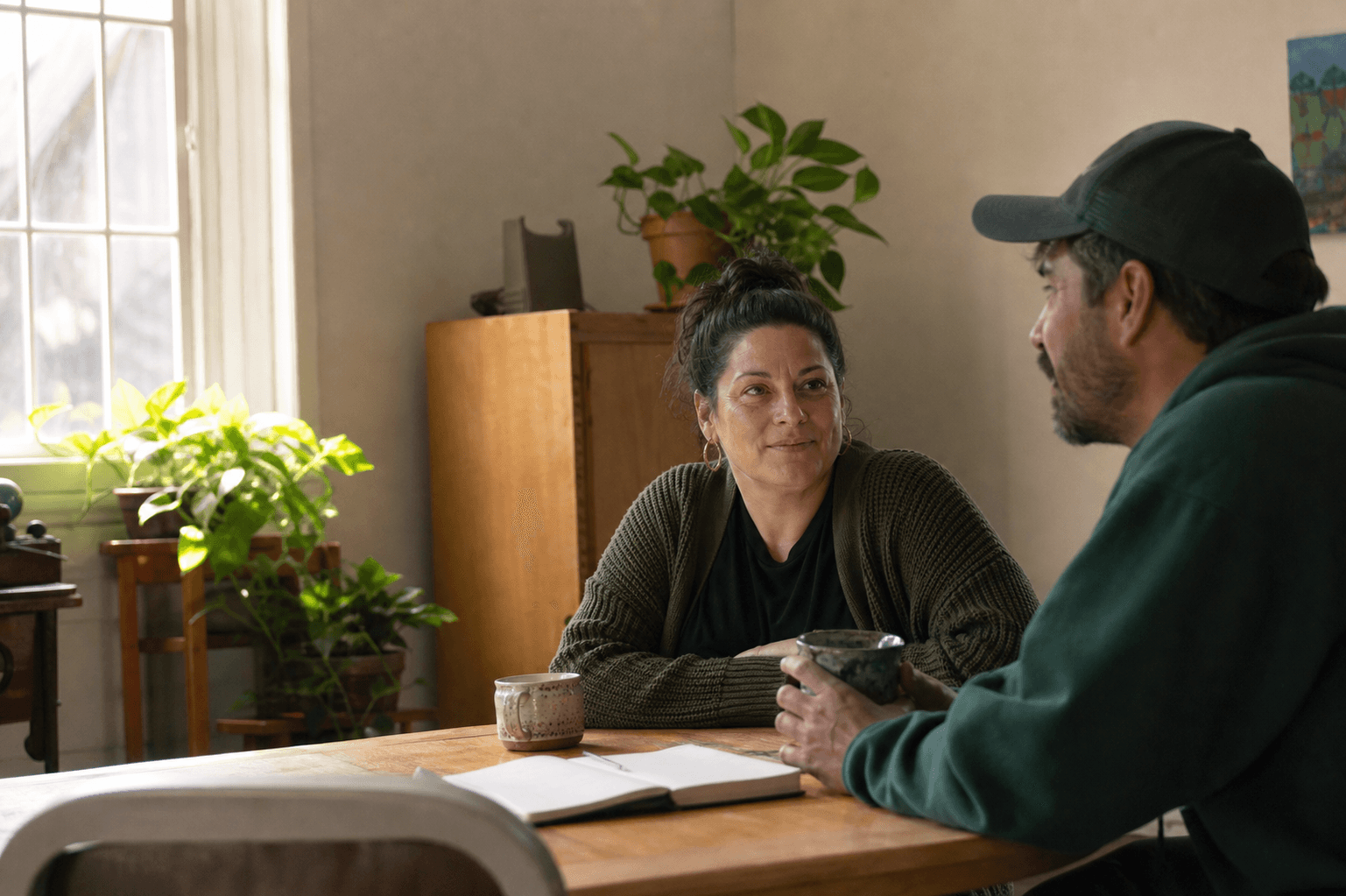
A peer support specialist and participant sharing a quiet conversation at a community table.

Built for teams like yours

  • Veteran-serving nonprofits
  • Community veteran programs
  • VA peer support teams

EVERYDAY WORK, CONNECTED

Keep veteran peer support connected.

Help peer specialists follow through on conversations, community connections, and participant goals.

Give veteran peer support a clear next step.

Shared responsibilities can leave follow-up unclear.

With Smores Health: Make the assigned peer, planned conversation, and next action visible to your team.

  • Peer assignments and caseloads
  • Individual and group scheduling
  • Follow-up tasks
Explore staff coordination and scheduling

Keep community connections within reach.

Resources get lost between conversations.

With Smores Health: Help participants return to shared materials and stay in touch with their peer team.

  • Participant messaging
  • Check-ins
  • Shared resources
Explore messages, check-ins, and resources

Make veteran service notes easier to review.

Incomplete records make handoffs harder.

With Smores Health: Keep the participant's goals, support provided, and agreed next steps clear for staff and supervisors.

  • Service notes
  • Recovery plans and assessments
  • Signatures and supervisor review
Explore veteran peer documentation

Show your veteran program's recorded work.

Scattered records slow down program reviews.

With Smores Health: Give leaders a clearer view of services and recorded outcomes through reports and exports.

  • Service and group reports
  • Outcome measures
  • Reporting exports
Explore program reporting and outcomes

AN EXAMPLE WORKFLOW

From a peer conversation to community support.

Example: a veteran explores a resource with their peer specialist.

  1. Listen

    Agree on the participant's goal.

  2. Plan

    Choose a conversation, group, or resource.

  3. Record

    Record support and the next action.

  4. Follow up

    Review what happened with the participant.

SETUP AND TRAINING

Plan for your program's requirements.

Review staff roles, records, reporting, and training together. VA evaluations also involve technology and procurement teams to define deployment requirements.

Explore setup and training

Bring these to your walkthrough

  • Your peer roles, assignments, and group schedule
  • A blank note and the program measures you report
  • Your access, data handling, and system requirements

Use blank forms and fictional examples for the initial conversation.

BEFORE YOU CHOOSE

Questions before you choose.

Can we support both individual conversations and groups?

Yes. Coordinate staff assignments, sessions, groups, and follow-up in one workspace. Bring a fictional veteran support scenario to see the relevant workflows.

What should VA teams review before a deployment?

Include your technology and procurement stakeholders in the evaluation. We will review the required security, hosting, data handling, and integration criteria before agreeing on scope. A product walkthrough does not establish VA authorization or a connection to VA record systems.

Is this where veterans apply for benefits or care?

This page is for organizations choosing software. Veterans looking for peer support can use the official VA resource linked below to find services.
SEE IT WITH YOUR TEAM

See veteran peer support in action.

Walk through a sample peer conversation, the next follow-up, and the records your program needs.